 SheetSnap
The parent helping at home
Your child comes home from piano lessons with a page of music. Make sense of the notes together, even if you're learning too.

Find your way from the page to the piano. Note by note, hand by hand, at your pace.
Starts in your browser. No download required.
01 / READ
Keep the score in front of you, with note names beside the music. Explore the symbols, then hear how the phrase comes together.
Meet your annotated scoreFur Elise / The first two notes
Loading the annotated phrase...
Here, D becomes D♯: the black key immediately to the right of D.
A semitone is one neighboring key, black or white. E♯ is F; B♯ is C.
02 / PRACTICE
Slow the tempo. Focus on one hand. Loop the tricky bit. Follow the falling notes and bring it back to the score.
Try The Entertainer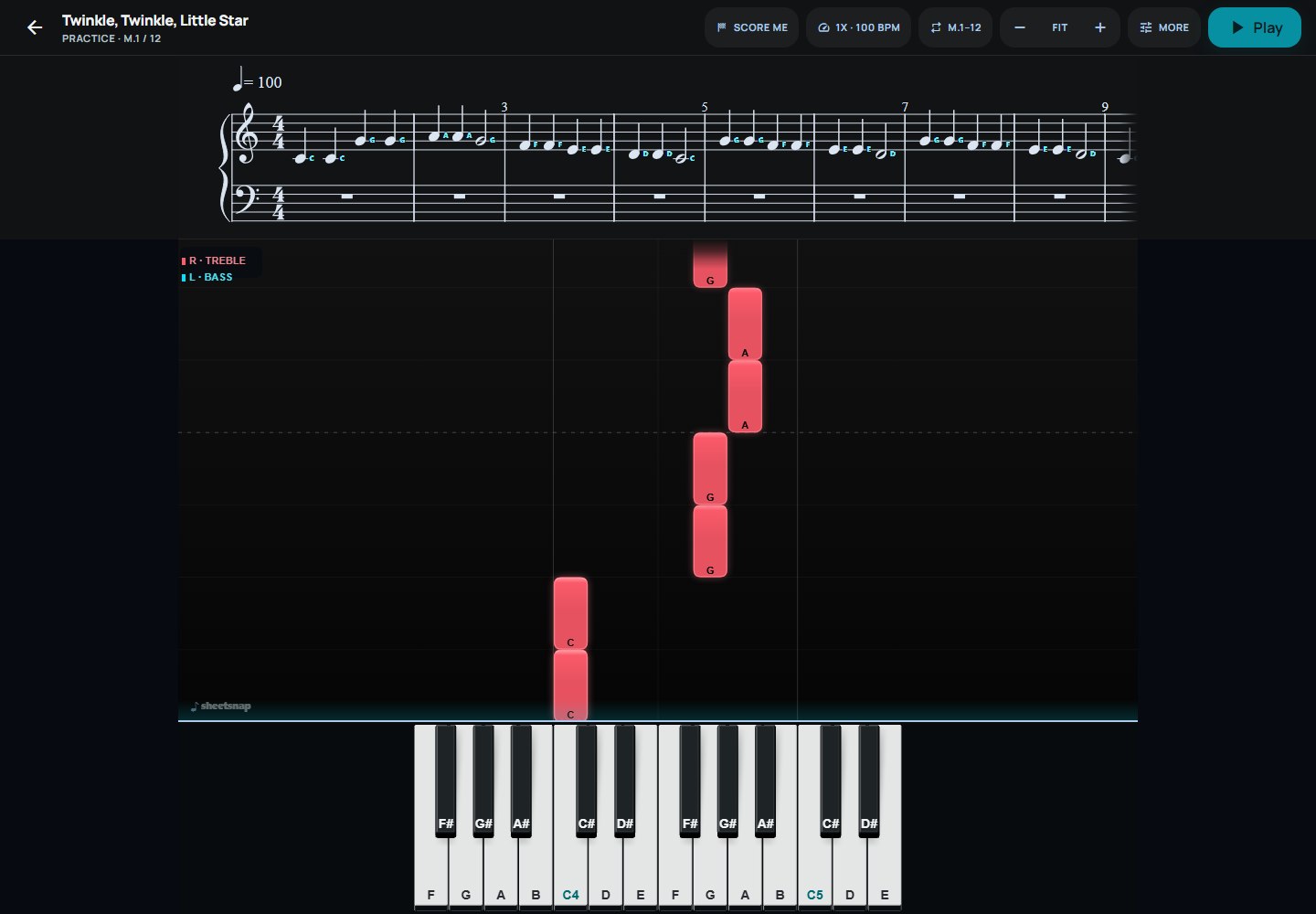
A simpler way to make sense of sheet music, and feel more confident when you sit down to play.
Find your way into the music03 / CREATE
A piano with presence. Cyan trails, coral sparks, or a look that's entirely your own.
Choose hand colors, backgrounds, glow, and saved presets.
Explore sparks, fire, water, lightning, smoke, and particles. Preview your look before recording.
Video export is included during the free Pro + Creator beta. Format and performance depend on your browser and device.
BRING YOUR OWN MUSIC
Import MIDI or uncompressed MusicXML during your free Pro beta. Photo and AI scanning are not included in this beta.
A SMALL START. ROOM TO GROW.
Free
A place to begin.
Founding beta
For the first 100 verified members. No card required. No automatic billing.
Practice your own MIDI and MusicXML, build your look in Style Studio, and try beta video exports. Browser and device support varies.
After 30 days, your account returns to Free unless you choose to purchase. Your saved scores and recordings stay yours. Existing purchases are unaffected. AI scanning is not included.
Continue with free starter piecesBEFORE YOUR FIRST NOTE
No. Start by listening, reading the score, and following the on-screen keyboard. A piano or MIDI keyboard gives you more ways to practice when you're ready.
Browse the starter library and practice its pieces, explore note labels, and try Style Studio. Pro opens practice for your own imported or scanned pieces and additional export options.
Scanning is beta. Clear, flat pages are the best starting point, but recognition can miss notes, rhythms, or sections. Review the result against the original before practicing. MIDI and MusicXML imports avoid photo recognition, though source files can still need correction.
Video export is beta. Paid export limits and watermark conditions will be shown before purchase. Preview and check each export before publishing. Use music, arrangements, and recordings you have the rights to publish.
SheetSnap currently runs in your web browser. This site does not offer an App Store or Google Play download.
THE NEXT NOTE IS YOURS.
Free starter pieces. Right here in your browser.